04:00 ✅ PRE-MARKET
Every position,
every signal,
on one screen —
before you need it.
IB Trading Dashboard sits on top of your own TWS connection and turns positions, P&L, swing signals, and intraday scans into a single live view. No spreadsheets stitched together at 6am. No tab-switching between the platform and your notes.Runs against your own IB login. Your data stays on your infrastructure.
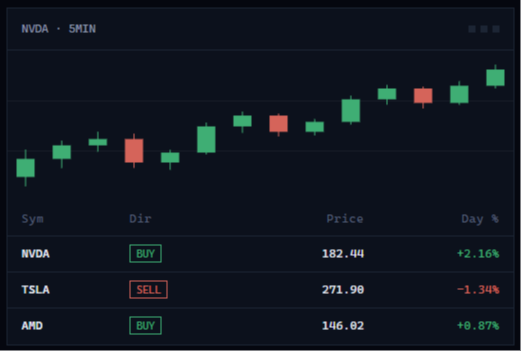
09:30 ✅ OPEN
The account view TWS
doesn't give you.
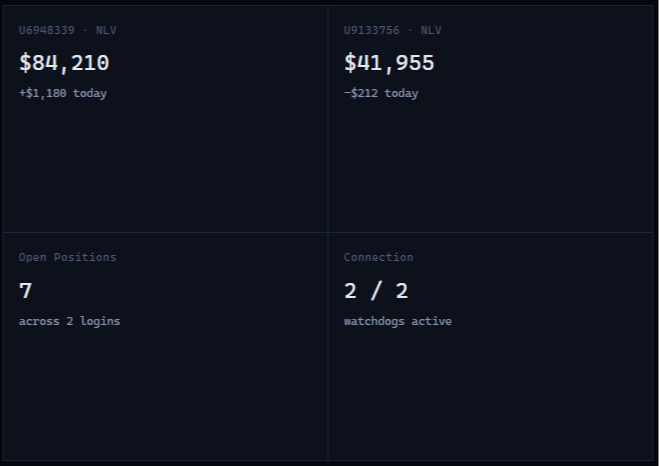
Multiple logins, multiple accounts, one screen. Positions, P&L, and account summary update live over a single connection — no refreshing, no re-logging in.🟡 Multi-login, multi-account
Two TWS logins, three accounts, one dashboard — switch with a tab, not a re-connect.
🟡 Live P&L, per-position and portfolio
Streamed over WebSocket with automatic reconnect — a dropped tab or a dead socket never leaves you staring at stale numbers.
🟡 Paper ⇄ Live, one click
Rehearse in paper mode, flip to live without touching TWS.
12:00 ✅ MIDDAY
A swing watchlist that
fills itself in.
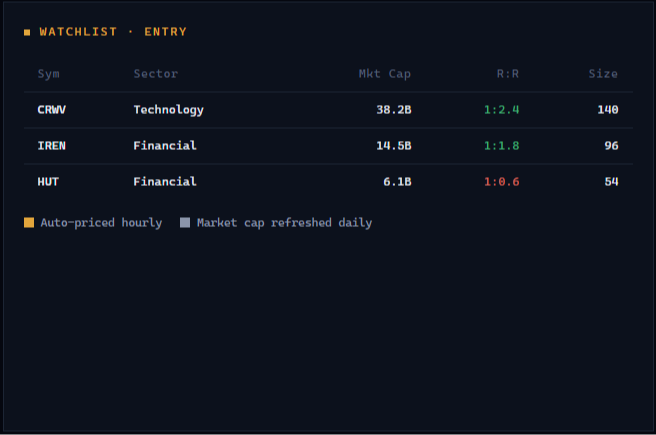
Feed it a signal source and it does the admin: adds the ticker, tags direction, pulls entry price, sector, and market cap — you just decide whether to take it.🟡 Signal-fed, not hand-typed
New calls land on the watchlist automatically with reason, direction, account, and time already in the notes.
🟡 Sizing done for you
Set a risk $ once — size and R:R recalculate live against your stop and target.
🟡 Eight-day performance, per name
Every ticker's trajectory since entry, at a glance, zero spreadsheet.
15:00 ✅ INTRADAY
Charts that already know
what you're looking for.
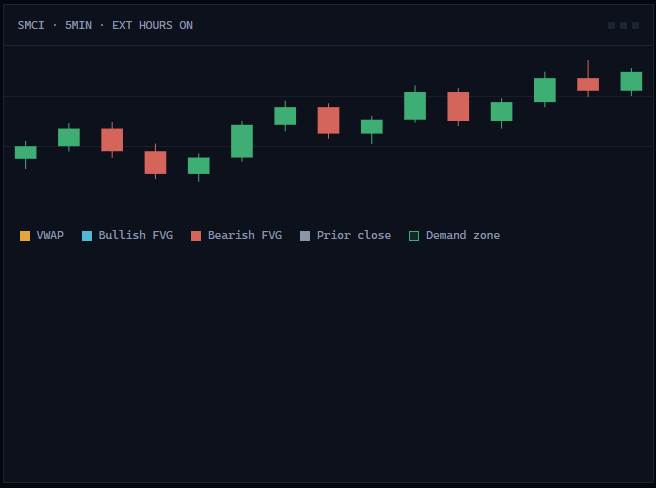
VWAP, volume profile, supply & demand zones, fair value gaps, and the previous day's close — layered onto 5-minute and daily candles, pre/post-market included.🟡 ADV, RVOL, day change
Sortable, drag-to-reorder — build the scan order that matches how you actually read the tape.
🟡 Click to plot the trade
Drop entry, stop, and target straight on the chart — position size and R:R update as you drag.
🟡 Extended hours, properly shaded
Pre- and post-market sit right on the chart instead of getting clipped at the open and close.
16:00 ✅ CLOSE
Built for how you actually trade —
not a demo of how you might.
MULTI-TABEvery tab stays live
Open Order Flow in one tab and Swing in another — both keep streaming, neither goes stale while you're looking at the other.
RECORDS
Trade history, filterable and exportable
Every execution logged with symbol, side, exchange, and P&L — filter it, or push selected trades straight to your CRM.
PRIVACY
Your TWS connection, your infrastructure
No third party sits between you and Interactive Brokers. The dashboard talks directly to your own login — nothing about your book is anyone else's business.